
Don’t let sports sound like a concert: fix these 4 soundbar settings
The right audio setup makes live broadcasts clearer, while common music and movie presets can muddy what you hear.
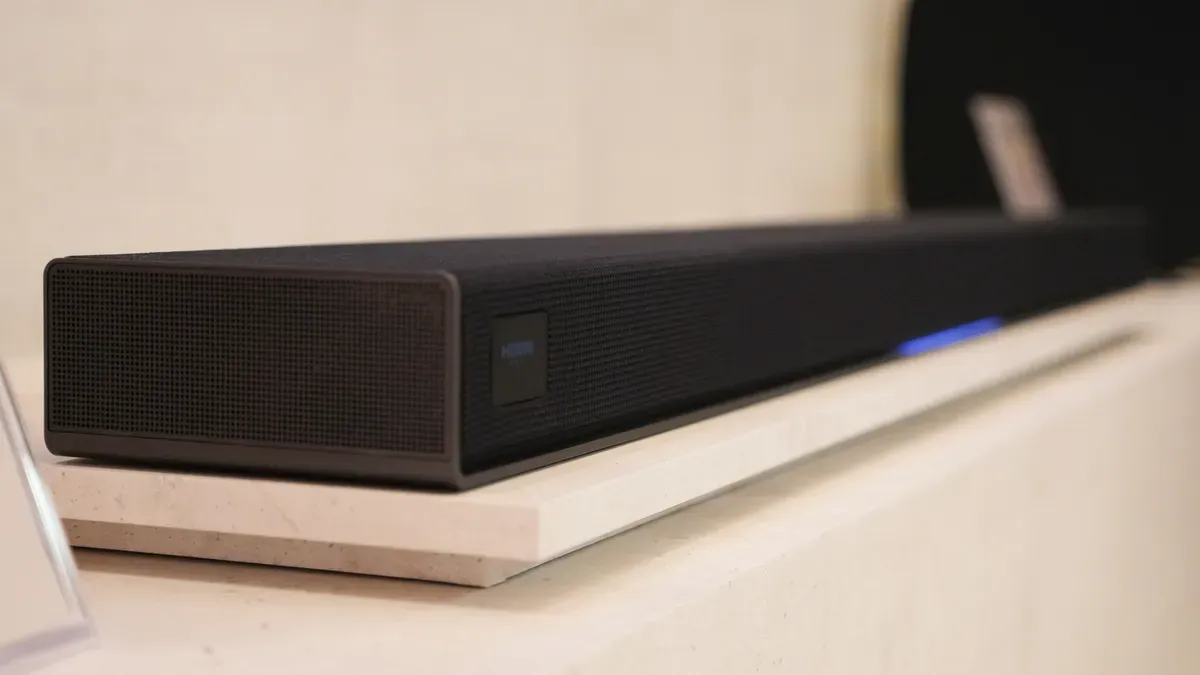
ZDNet flags a common home-audio problem: soundbar settings tuned for music and movies can fail during live sports broadcasts. For decision-makers and tech-curious readers managing audio systems at home or in shared spaces, the consequence is simple: you can pay for better hardware and still get worse clarity if you run the wrong preset.
Watching live sports on TV is supposed to be the easy win. Sit down, grab snacks, and let the sound do the lifting. But ZDNet points out something surprisingly practical: some of your go-to soundbar settings for music and movies are not compatible with live sports broadcasts. Translation: you might be running a preset that sounds “great” for recorded content, while live play-by-play suffers, and you just think the announcers are having a bad day.
The core issue is not that your soundbar is broken. It is that sports broadcasts behave differently from movies and music. Live broadcasts have fast, constantly changing dynamics. Commentary, crowd noise, and on-field sounds stack and shift in real time. ZDNet’s takeaway is that you should change specific soundbar settings used for other media, because those settings can work against the way sports audio is mixed. If you care about clarity, intelligibility, and impact, this is the difference between “I can follow every word” and “Why does everything blend together?”
To understand why this mismatch happens, it helps to know what soundbar settings typically do. Many soundbars include modes that steer processing toward certain content goals. “Music mode” often emphasizes wider soundstage, boosted lows, or a smooth, fuller presentation. “Movie mode” commonly leans into cinematic effects: heavier bass, dynamic range behavior that suits dramatic scenes, and enhanced separation between voices and effects. Those goals make sense when audio is pre-mixed for the format and when the content has designed pacing.
Sports is the odd one out. Even within the same game, audio priorities shift minute to minute. A close play might bring a sudden spike in crowd noise and hit sound cues, then immediately return to steady commentary. The broadcast mix also tries to keep voices present without drowning them in arena ambience. When a soundbar applies processing optimized for music or movies, it can overemphasize spatial effects, compress dynamics in the wrong way, or change voice prominence at the exact wrong time. The result is the “sounds nice, but I cannot hear the play-by-play” problem.
This is where the regulatory and ecosystem angle sneaks in, even though this is a home-audio story. In many regions, broadcasters and streaming platforms must comply with technical standards for audio delivery. Those standards cover how audio channels and metadata are handled across devices. But compliance does not guarantee that your consumer soundbar’s internal processing will interpret every broadcast the same way. In practice, “standardized delivery” can still meet “incompatible tuning.” The second-order effect: even if your TV and soundbar are both “good,” their pairing decisions can still force you into a mismatch between mix and mode.
So what should you change? ZDNet’s framing is clear: you should adjust four soundbar settings that are commonly used for music and movies because they are not compatible with live sports broadcasts. The strategic mindset is simple. Instead of treating soundbar presets as universal solutions, treat them as content-specific tools. Sports, movies, and music each ask the system to prioritize different parts of the audio spectrum and different processing behaviors. When you run the wrong tool for the job, intelligibility loses.
There is also a practical angle for shared spaces and higher stakes than a single couch. If you manage an office, a bar, a family media room, or any environment where sports is a recurring “event,” inconsistent settings can turn a watch party into a constant troubleshooting loop. People will blame the broadcast or the TV. They will not blame the soundbar mode. That means your system configuration choices quietly become operational decisions. The board-level version of this story is: your customer experience depends on setup discipline, not just hardware procurement.
The broader takeaway for executives and operators in tech-adjacent roles is that “compatibility” is not a binary state. It is an ongoing configuration problem across content formats and device behaviors. When ZDNet notes that music and movie settings are not compatible with live sports broadcasts, it is a reminder that second-order effects matter. The win is not owning the most expensive soundbar. The win is matching audio processing to the content you actually consume, so the signal stays intelligible when the game speeds up.
If you want the simplest payoff: stop assuming your “best sounding” preset is best for sports. Make the mode change, validate that voices cut through crowd noise, and lock in settings that keep live commentary clear. That is how you turn home viewing from a guessing game into a reliable experience.
This story's Key Insights and Take-aways are locked.
Create a free account to unlock Executive Actions for one credit.
Register to UnlockAlways free for Executives Club members. Join the Club
More in Technology

OpenAI says 10,000 agents cracked a 90-year math problem in 88 hours
The company's claim is audacious, but one mathematician is pushing back. Here's what it means for AI-driven discovery.

Meta still serves child sexual abuse ads on Instagram in India - BBC report
A new report following the BBC Eye investigation says the ads are still there - what it signals for every platform with a self-serve ad engine.

White House yanks 'Build the Wall' game after Tetris Company copyright warning
The administration's arcade game vanished in hours - and the takedown playbook every brand can learn from.